
How do I Sign up For a Linkryse Account?

Getting started with Linkryse is free and takes less than a minute. You do not need a credit card to create an account.
Step 1: Go to the Sign-Up Page
Visit Linkryse.com and click the purple Get Started button in the top right corner of the screen.
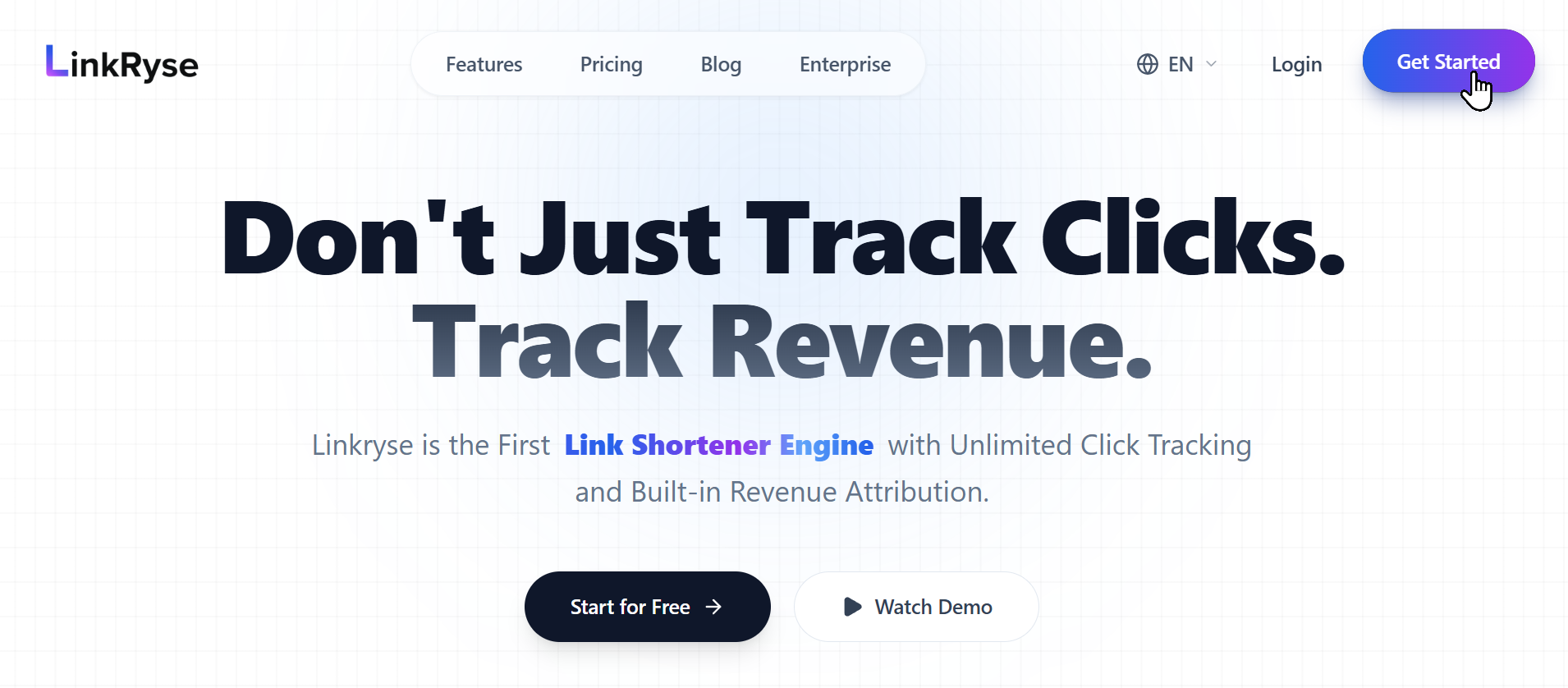
Step 2: Choose your method
You can create an account using your email address or your existing Google account.
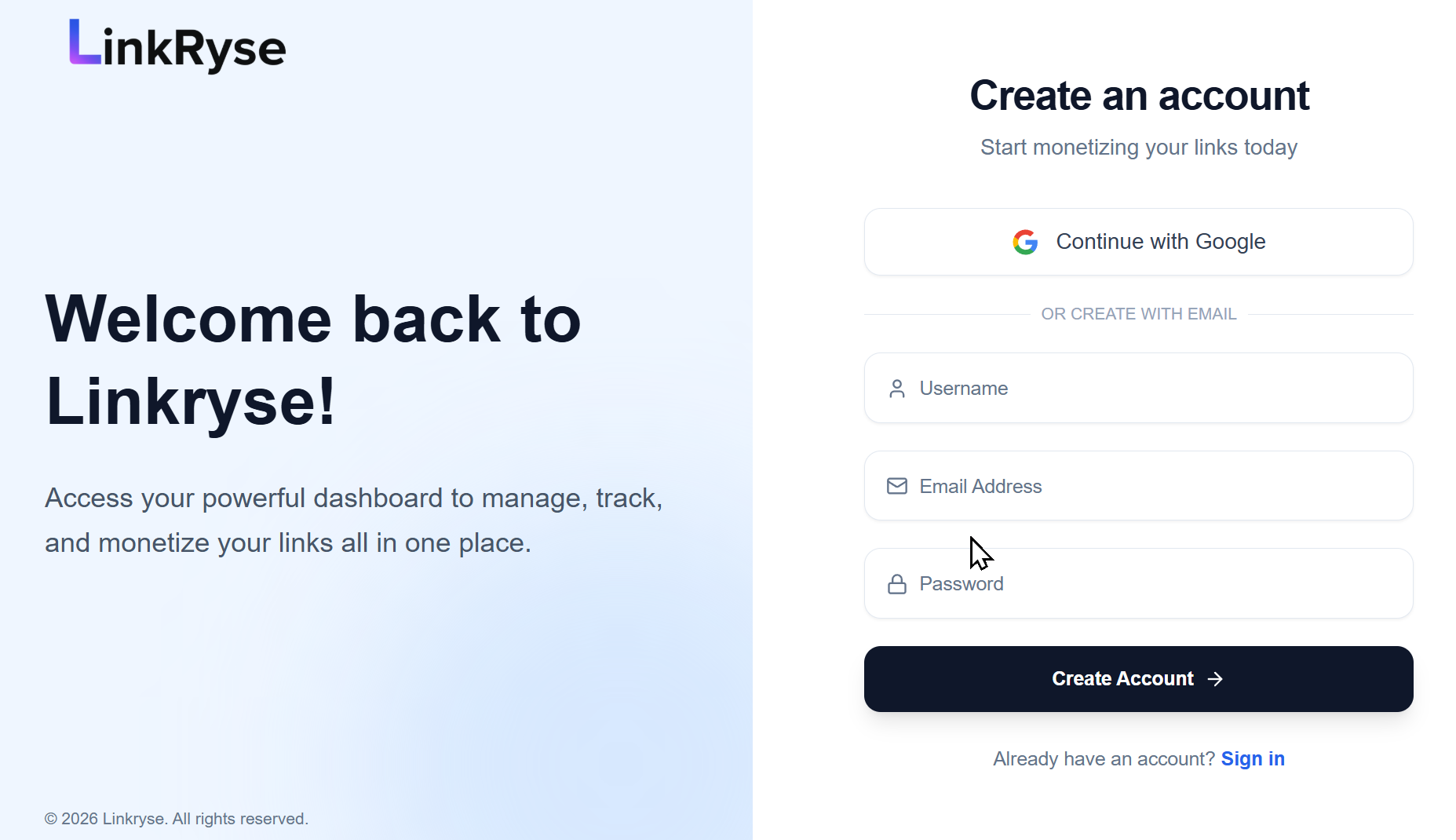
Option A: Sign up with Google (Recommended)
Click the Continue with Google button. This is the fastest way to sign up and means you don’t have to remember another password.
Option B: Sign up with Email
If you prefer to use a standard email and password, fill out the form:
- Username: Choose a unique name for your profile.
- Email Address: Enter your valid email address.
- Password: Create a strong password to keep your account secure.
Click Create Account when you are done.
Step 3: Verify your email
To protect our platform from spam and bots, we require all new users to verify their email address.
- Check your email inbox for a message from Linkryse.
- Click the Verify Email link inside the message.
Once verified, you will be automatically logged in to your new dashboard.
Next Steps
Congratulations! You are now ready to use Linkryse.
Create your first link →Was this article helpful?